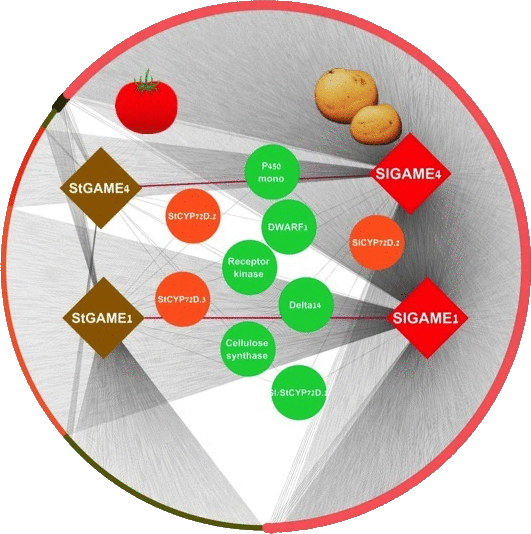
 CoExpNetViz Comparative Co-Expression Network Construction and Visualization
We have moved to the Cytoscape app store. Running CoExpNetViz online has been discontinued. Please use the Cytoscape app instead which should be more convenient as it imports the results into Cytoscape for you. If you have any problems with it, you can contact us via the email link or the github issues mentioned on the Cytoscape app page.